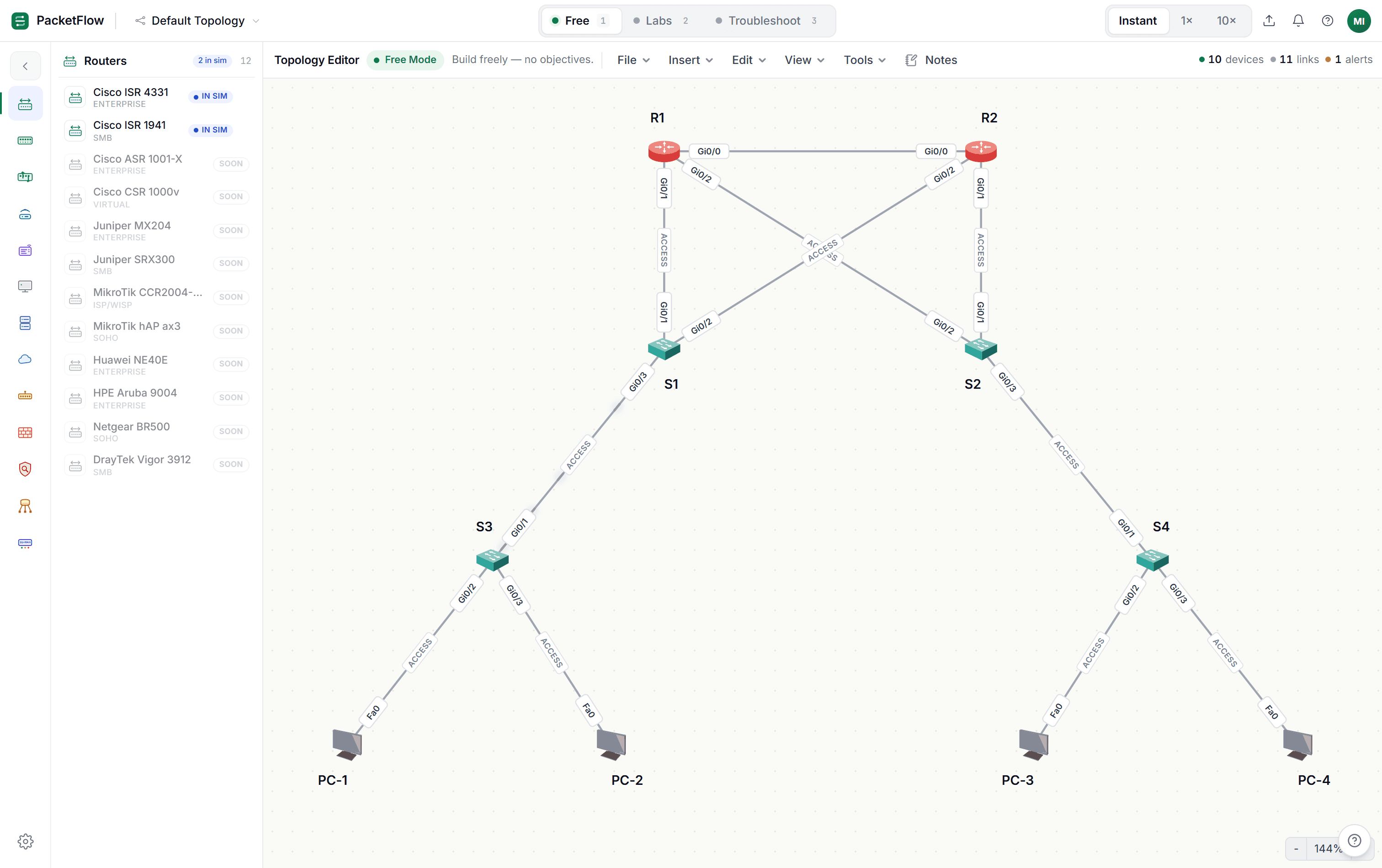
PacketFlow — a network simulator that runs in the browser
A modern, fully web-based network simulator I built as a cleaner alternative to Packet Tracer and GNS3 — no install, runs in the browser, free.
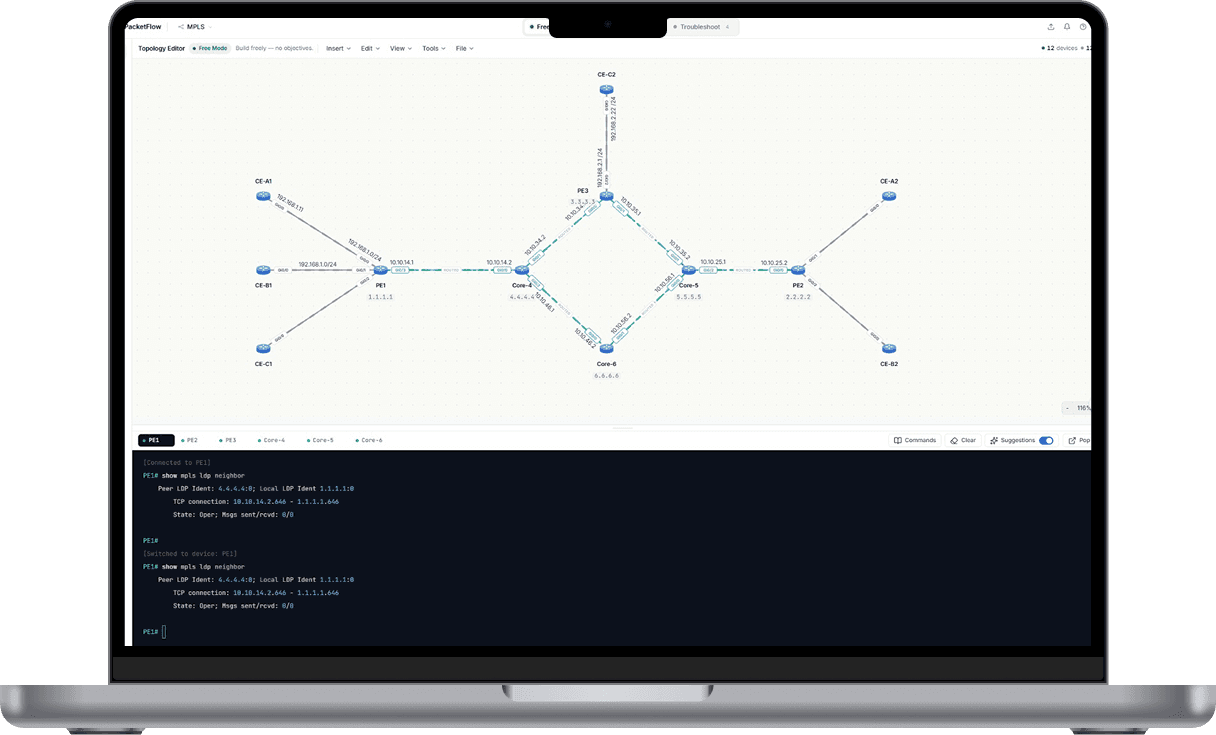 ⤢ Click to enlarge
Why I built it
Learning networking meant living inside Packet Tracer and GNS3 — one is locked to a login and a heavy install, the other is a virtual-machine project on its own. I wanted something I could open on any machine, in a tab, and immediately start sketching a topology. So I built it.
It started as a study tool for my own CCNA practice, then I made it freely available for anyone else learning. It doubles as the place where I sketch and validate the topologies before I wire them up on the real gear in my lab.
I built PacketFlow with heavy AI assistance (Claude) — I designed what it should do, drove the architecture and the network behaviour, and iterated on every piece. I'm upfront about that: the value here isn't that I hand-wrote every line, it's that I can take a real problem, direct the build, and ship a working tool that people actually use.